

Why it matters
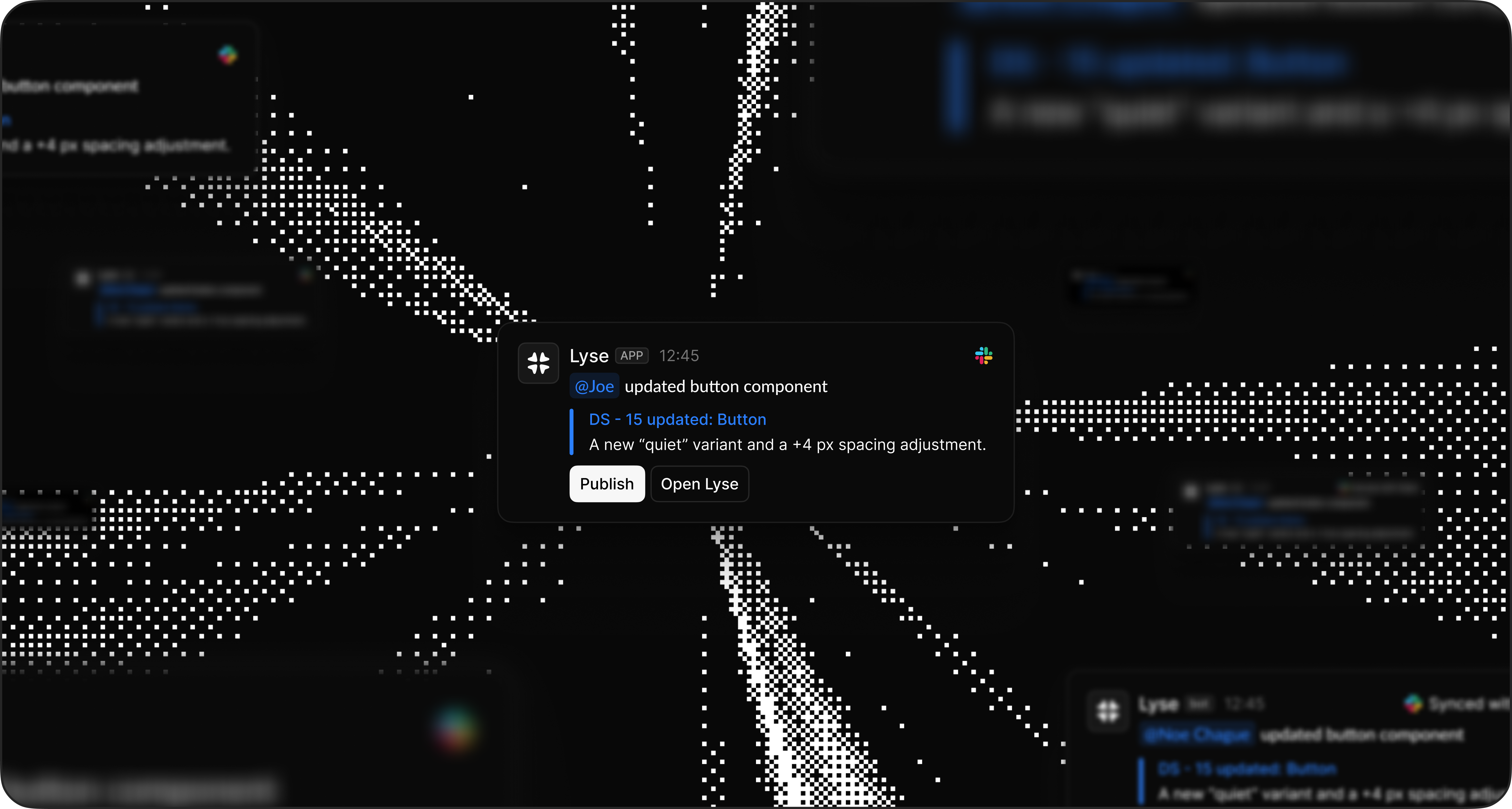
Decisions get made in Slack. Bugs get reported. Feature ideas emerge from casual discussions. But that context stays buried in threads—until someone manually copies it into a task. Thread to Task fixes this. When a conversation reaches a conclusion, mention@Lyse and the task is captured instantly. No switching tabs, no copy-pasting, no lost context.
How to use it
Basic usage
Reply to any thread with@Lyse. Lyse reads the conversation, identifies what matters, and creates a task in your inbox.
Example:
With instructions
Add instructions after the mention to create a specific task or guide the analysis. Create a standalone task (not based on thread content):@Lyse create a task to add loading states on all buttons that trigger API calls in the settings page
@Lyse we need to migrate the authentication flow from JWT to session-based auth before the security audit next monthGuide thread analysis (tell Lyse what to focus on):
@Lyse create a bug task — Formats it as a bug report
@Lyse focus on the performance issues mentioned
@Lyse this is a P1 bug for the frontend teamExample:
You: @Lyse create a bug task for the frontend team
Coming soon: Auto mode will automatically assign tasks, apply labels, and select the right project based on the task context.
What it extracts
When analyzing a thread, Lyse identifies:The main topic
The main topic
What the conversation is about
Key details
Key details
Error messages, steps to reproduce, specific requests
Feature context
Feature context
How the feature should work, use cases, and requirements
Decisions made
Decisions made
Conclusions the team reached
Action items
Action items
What needs to happen next
People involved
People involved
Who reported, who participated in the discussion
Example workflow
The thread:Sarah: The dashboard is showing yesterday’s data for some users Mike: I can reproduce it. Happens when you switch between date ranges quickly Sarah: Looks like a caching issue? Mike: Yeah, the API returns stale data. We’re not invalidating the cache on date change Sarah: Can we get this fixed this sprint? Mike: Should be straightforward once we identify which cache You mention: @Lyse create a bug taskLyse analyzes the thread and generates a task in your inbox: “Dashboard shows stale data when switching date ranges” with all the technical context from the conversation. You review, approve, and it’s in your issue tracker.
What you can capture
Thread to Task works for any kind of actionable item:Bugs
Bugs
“The checkout flow breaks on mobile”
Feature requests
Feature requests
“Users keep asking for dark mode”
Technical debt
Technical debt
“We should refactor the auth module”
Decisions
Decisions
“We agreed to use Redis for caching”
Action items
Action items
“Someone needs to update the docs”
Questions to investigate
Questions to investigate
“Why is the API slow on Mondays?”
Tips for better results
Be specific
The more context you give, the better the output.@Lyse create a task works
@Lyse create a task to redesign the onboarding flow with the new stepper component, add empty states for each step, and ensure all CTAs use the button.primary variant works better
Right timing
Mention@Lyse when:
- A decision has been made
- A bug is clearly identified
- An action item is agreed upon
- You’re about to forget something important
Don’t mention
@Lyse mid-discussion—wait until there’s something actionable.Review first
Lyse summaries are good, but you know your team best. Check the content in your inbox before publishing. If you need to adjust something, copy the content and paste it where you need.Troubleshooting
No response
- Check that Lyse is added to the channel (for private channels)
- Verify your Slack connection in Integrations
- Make sure you’re mentioning
@Lysein a thread, not a top-level message
Missing context
- Add instructions:
@Lyse create a detailed bug report - Make sure the key information is in the thread (not in a different conversation)
- Copy the content and adjust it manually if needed
Task not visible
- Tasks are sent to the Lyse account that connected the Slack workspace
- Check that your Slack connection is active
- Look at the Lyse inbox—it might be there but needs review
Analysis failed or slow
- If the thread is too complex, you can retry the analysis
- If the request takes too long, use the retry button
- Lyse provides a retry option directly in Slack when something goes wrong